How to Redesign Your Website Without Losing SEO Rankings
A website redesign can destroy your SEO if done wrong. Follow this guide to protect your rankings during a redesign project.

AEO Strategy Lead & Co-Founder
The Redesign-SEO Dilemma
We have seen it happen too many times with Honolulu businesses. A company invests heavily in a beautiful new website to impress tourists and locals alike. Then, launch day arrives, and instead of a celebration, the phone stops ringing because their Google rankings disappeared overnight.
This scenario is more common than most people realize. According to 2025 data from HubSpot and Ahrefs, businesses that redesign without an SEO strategy often suffer a 30% to 50% drop in organic traffic.
The problem is straightforward. Search engines have indexed your current website with specific URLs, content, metadata, and internal link structures. When you launch a redesigned site that changes these reference points without a map, Google loses its way.
The result is plummeting rankings and lost revenue. Recovery can take six months or longer, which is a lifetime for a seasonal business in Hawaii. This guide provides a systematic approach to protecting your digital real estate during a renovation. Whether you are working with a custom web design team or doing it yourself, these steps are essential.
The Pre-Redesign SEO Audit
Before any design work begins, you need a complete picture of your current standing. Our team at Nekko Digital treats this like a land survey before construction; you have to know exactly what you are building on.
Document Your Current Performance
You cannot protect what you have not measured. Start by recording your current organic traffic levels from Google Analytics, specifically breaking this down by landing page to see which content drives visitors.
Next, export your keyword rankings. We recommend using tools like Semrush or Ahrefs to capture ranking data for all your target terms, especially local phrases like “general contractor Honolulu” or “Kailua real estate.”
Finally, note your domain authority and backlink profile. You should also identify your top-performing pages by traffic, conversions, and ranking keywords to ensure these high-value assets are prioritized.
Crawl Your Current Site
We rely on specialized software to create a full inventory of a website. Tools like Screaming Frog (which offers a free version for sites under 500 URLs) or Sitebulb are industry standards for this task. This crawl gives you a complete list of every URL, metadata snippet, internal link, and redirect currently in existence.
This data is the foundation of your protection plan. Without a full crawl, you are essentially guessing which pages need to be saved.
Identify High-Value Pages
Not all pages are equally important. You must identify the pages that drive the most organic traffic, rank for your most valuable keywords, and generate the most conversions.
These pages require the most careful handling during the migration. For a local restaurant, this might be your “Menu” or “Reservations” page rather than your blog.
Audit Checklist
| Metric to Track | Why It Matters | Tool Recommendation |
|---|---|---|
| Organic Traffic | Establishes your baseline for success. | Google Analytics 4 |
| Keyword Rankings | Shows which specific terms bring in customers. | Semrush or Ahrefs |
| Backlink Profile | Identifies external sites linking to you. | Ahrefs or Moz |
| Page Speed | Critical for mobile users and ranking. | Google PageSpeed Insights |
URL Mapping: The Most Critical Step
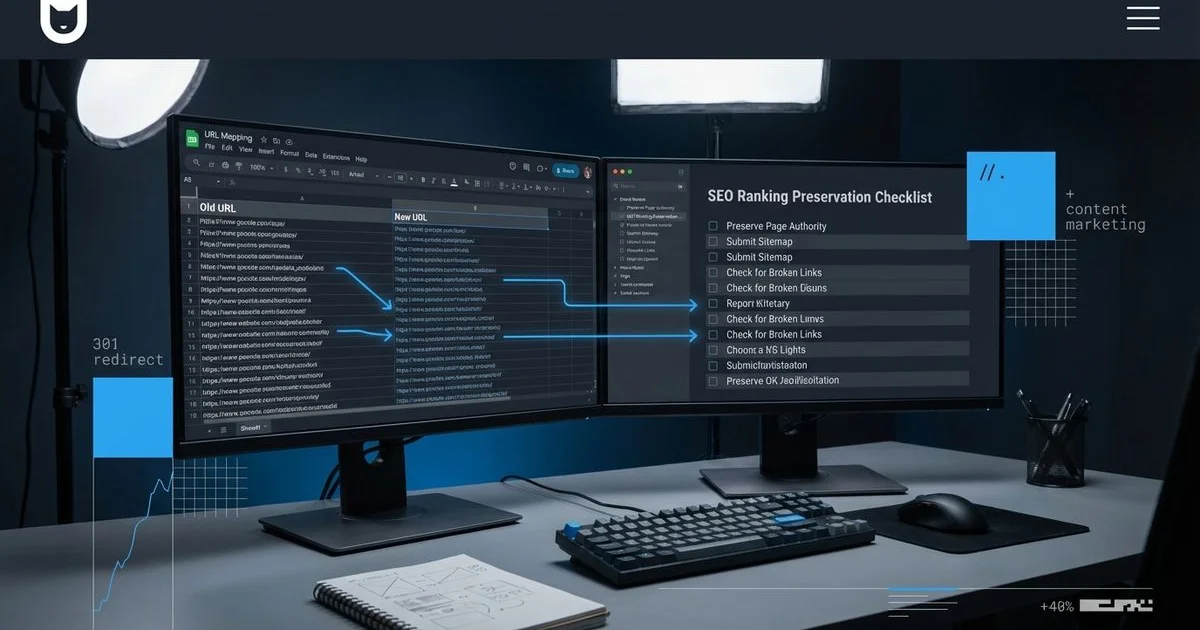
URL mapping is the process of documenting exactly how every URL on your current site corresponds to a URL on your new site. We consider this the single most important step in an SEO-safe redesign. Missing or incorrect URL mapping is the primary cause of post-redesign ranking losses.
Create a Complete Map
For every URL on your current site, document the following details:
- The current URL
- The corresponding new URL
- Whether the page is being kept, merged, or removed
- The redirect type needed (almost always a 301 permanent redirect)
Handle URL Changes
If your new site changes URL structures, every old URL must redirect to its corresponding new URL. For example:
- Old:
/services/seo-optimization/ - New:
/seo-services/
This change requires a 301 redirect from the old URL to the new URL. Without this redirect, anyone who has bookmarked the page or clicks a link from a Yelp review will encounter a “404 Not Found” error.
Consolidation Strategy
A redesign is an opportunity to consolidate thin or duplicate content. If you have three similar pages that individually rank poorly, merging them into one comprehensive page with 301 redirects can improve rankings.
Pro Tip: Avoid “soft 404s” where you redirect a deleted page to your homepage. Google treats these as errors. Always redirect users to the most relevant specific page available.
Preserving Meta Data and Content
Title Tags and Meta Descriptions
Your existing title tags and meta descriptions that are performing well should be preserved on the new site. We often see designers rewrite these to sound “catchier,” but this can inadvertently destroy your relevance for specific search terms.
Document all existing meta data as part of your pre-redesign audit. For pages where the new design does not significantly change the content focus, keep the meta data identical.
On-Page Content
If a page ranks well, its content is working. Resist the temptation to rewrite everything during a redesign, especially for service pages targeting keywords like “plumbing repair near me.”
You can update the design, improve the formatting, and enhance the visual presentation without changing the core text content that is driving rankings. When content changes are necessary, make them deliberately and document what changed.
Heading Structure
Maintain a logical heading hierarchy (H1, H2, H3) that incorporates your target keywords naturally. The heading structure helps search engines understand the content organization and topical relevance of each page.
Staging Environment Testing
Before launching your redesigned site to the public, thoroughly test it in a staging environment. Our developers use a password-protected server to ensure Google does not accidentally index the unfinished site, which would create duplicate content issues.
SEO Checklist for Staging
- Redirect Verification: Verify that all 301 redirects are configured correctly and point to the right destinations.
- Meta Data Check: Confirm that meta titles and descriptions are in place on all pages.
- Canonical Tags: Check that canonical tags are set correctly on every page to prevent self-competition.
- Robots.txt: Ensure robots.txt is configured properly and does not block important pages.
- XML Sitemap: Verify that the XML sitemap includes all new URLs and no old URLs.
- Internal Links: Test internal links to ensure none point to old URLs.
- Schema Markup: Confirm that schema markup (like LocalBusiness schema) is implemented on all relevant pages.
- Image Optimization: Check that all images have alt text and are properly sized.
- Performance: Verify that the site loads quickly and passes Core Web Vitals thresholds.
- Indexing Barriers: Ensure the staging site itself is blocked from indexing with
noindexor password protection.
Redirect Testing
Test every redirect in your URL map. Access each old URL and verify that it correctly redirects to the corresponding new URL.
Pay special attention to pages with the most organic traffic and external backlinks. We also recommend testing common variations, such as URLs with and without trailing slashes, to ensure no traffic is lost in the cracks.
Post-Launch Monitoring
The first 30 days after launch are the most critical. We monitor client sites daily during this period to catch and fix issues before they cause lasting damage.
Week 1: Immediate Checks
- Submit your updated XML sitemap to Google Search Console.
- Request indexing for your most important pages.
- Monitor Google Search Console for crawl errors, 404 pages, and redirect issues.
- Check that Google is finding and following your 301 redirects.
- Verify that no pages are accidentally blocked by
robots.txtornoindextags.
Weeks 2 to 4: Performance Monitoring
- Compare organic traffic to your pre-redesign baseline.
- Monitor keyword rankings for your target terms.
- Check Google Search Console for any coverage issues or manual actions.
- Track Core Web Vitals metrics to ensure the new design performs well.
- Monitor backlink profiles to ensure external links are being properly redirected.
What to Do If Rankings Drop
Some ranking fluctuation after a redesign is normal. Google needs time to recrawl, re-evaluate, and re-index your pages. Minor fluctuations that recover within two to three weeks are typical and not cause for alarm.
If rankings drop significantly and do not recover within three to four weeks, immediate action is required:
- Audit Redirects: Check for errors or chains where one page redirects to another, then another.
- Inspect Tags: Check for accidental
noindextags or robots.txt blocks. - Review Quality: Verify that content quality has not decreased on important pages.
- Crawl Budget: Look for crawl budget issues caused by redirect chains or loops.
- Check Links: Review internal linking to ensure important pages are still well-connected.
Turning a Redesign Into an SEO Opportunity
A well-executed redesign does not just preserve your SEO; it can improve it. We view the redesign process as the perfect time to fix legacy issues that have been holding your rankings back.
- Consolidate Content: Merge thin content into comprehensive, authoritative pages.
- Enhance Architecture: Improve site architecture and internal linking.
- Boost Speed: Optimize Core Web Vitals with modern development practices.
- Mobile Optimization: Implement mobile-first design principles properly, which is crucial since over 60% of US traffic is now mobile.
- Technical Upgrades: Add schema markup and other technical SEO improvements.
- Maximize Value: Improve conversion rate optimization with better layouts and CTAs.
The key is treating SEO as a core requirement of the redesign project. When organic SEO is integrated into the redesign process from the very beginning, you protect your existing rankings and create opportunities for growth.
Rodrigo Diniz
AEO Strategy Lead & GEO Specialist
AEO Strategy Lead at Nekko Digital with 15+ years in digital marketing and AI search optimization.